Background
Since 1996, the Open Government Portal has been operated under the Act on Disclosure of Information by Public Institutions. That portal is open.go.kr.
Here is the thing, though.
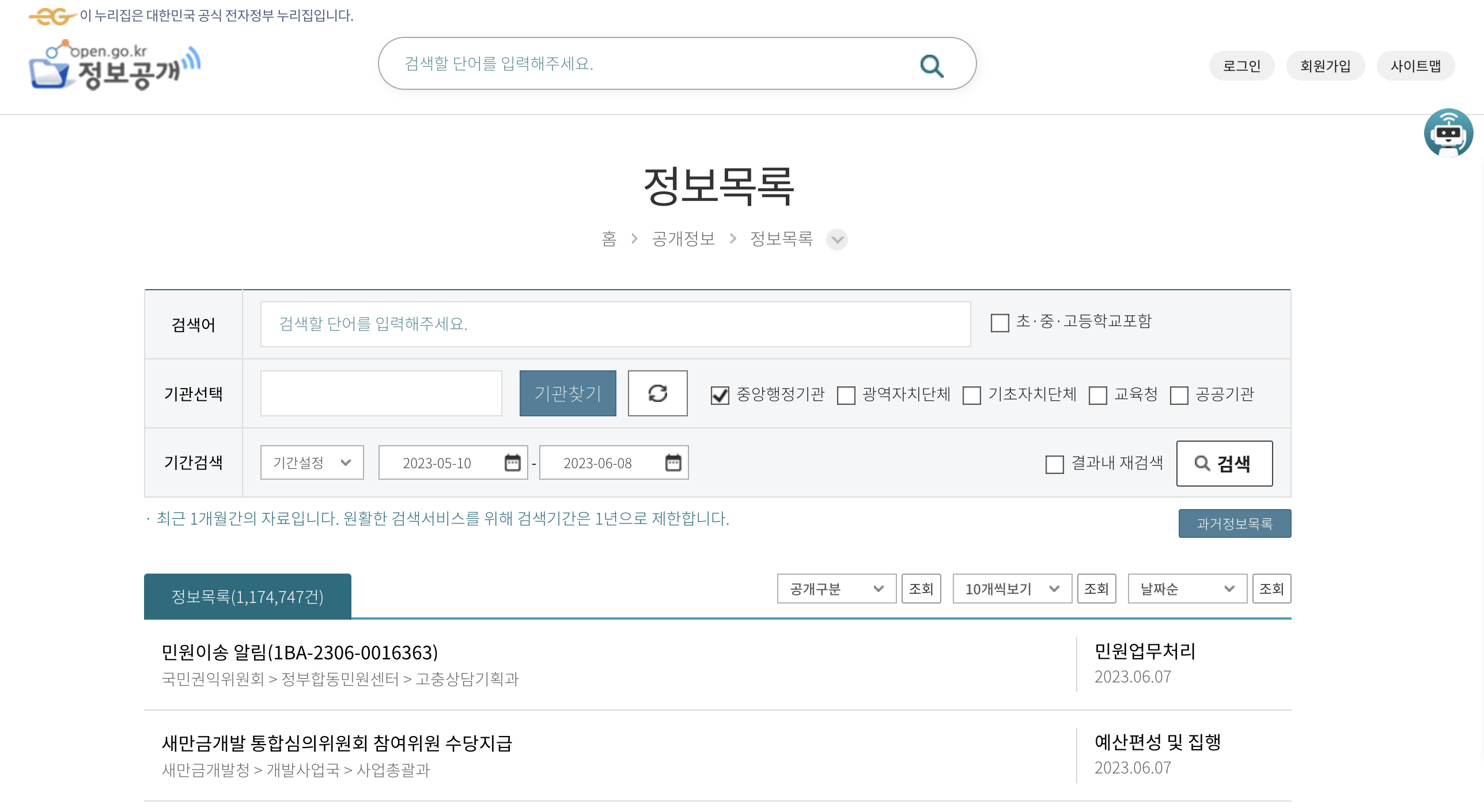
When you browse the public information list on the portal and try to open the detail page for a specific record, you notice something strange.
Every single page has the same URL, which means you cannot share a link to a specific record. Even worse, if you paste that URL — https://www.open.go.kr/othicInfo/infoList/infoListDetl2.do — directly into the address bar, you get a blank detail page with nothing in it.
Oh no...
The Problem
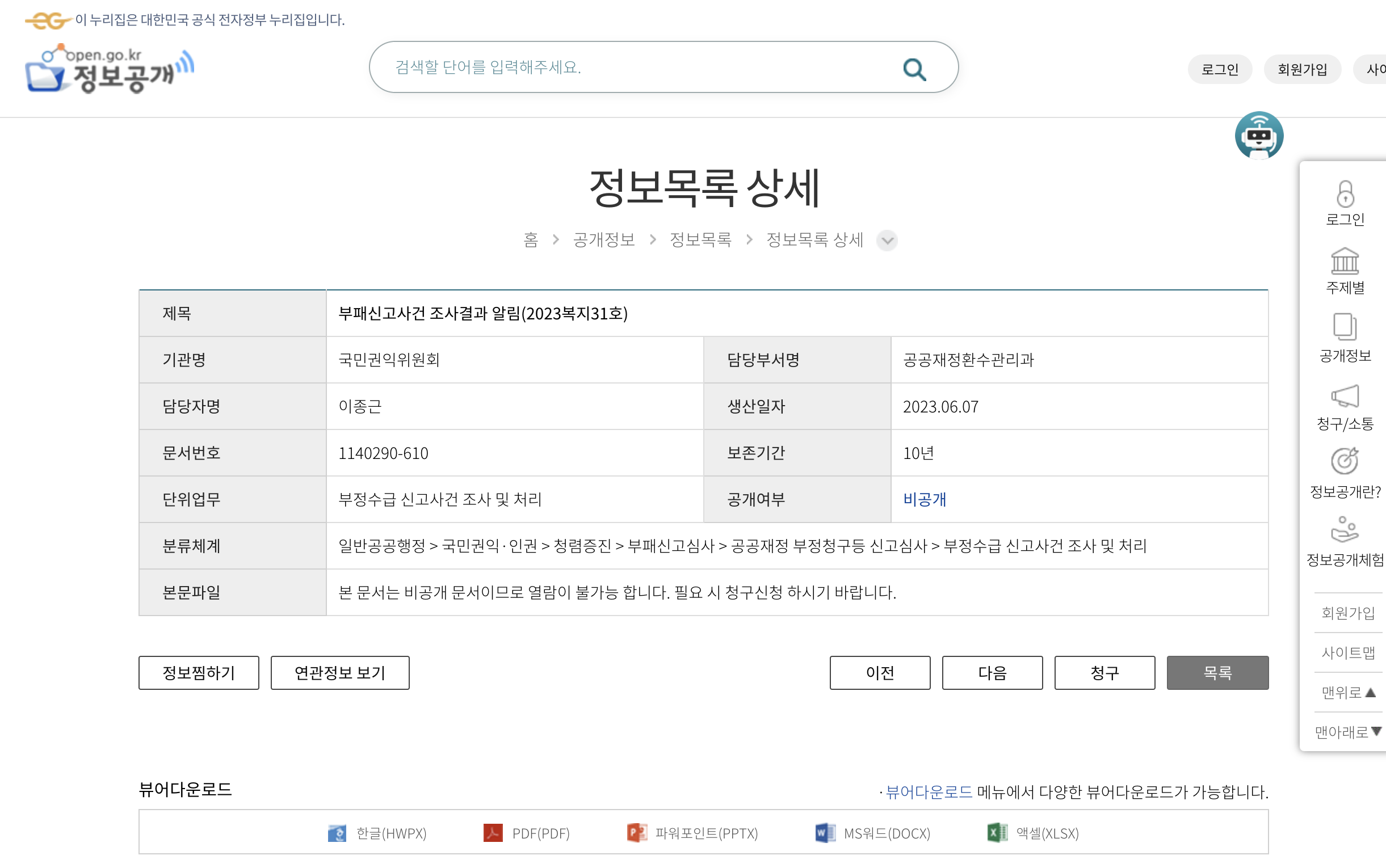 When you select one item from the list and navigate to its page, take a close look at the address bar.
 The
URL stays fixed at
The
URL stays fixed at https://www.open.go.kr/othicInfo/infoList/infoList.do. Because of this, if you want to share a publicly disclosed document with someone, there is no URL to hand them — they have to search for it themselves or hear something like "it''s on page 3, the second entry."Inspecting the Detail Page
The page content had clearly changed, yet the URL stayed the same — I was completely baffled. I opened the browser''s developer tools to figure out why.
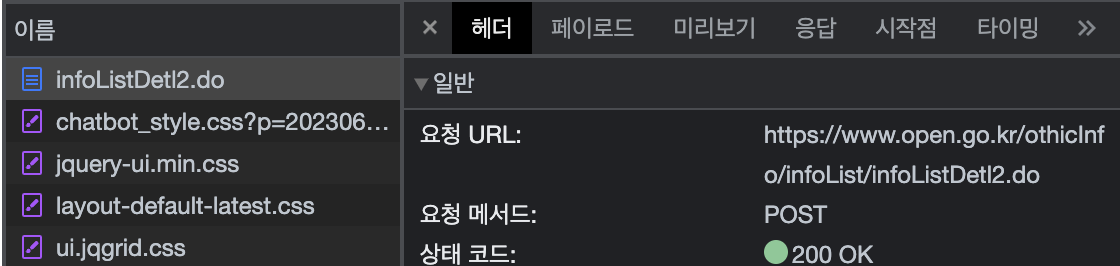
No way... the request that loads the page was a POST, not a GET.
Not being very familiar with government agency websites at the time, I was already starting to feel like I had no idea what to do next.
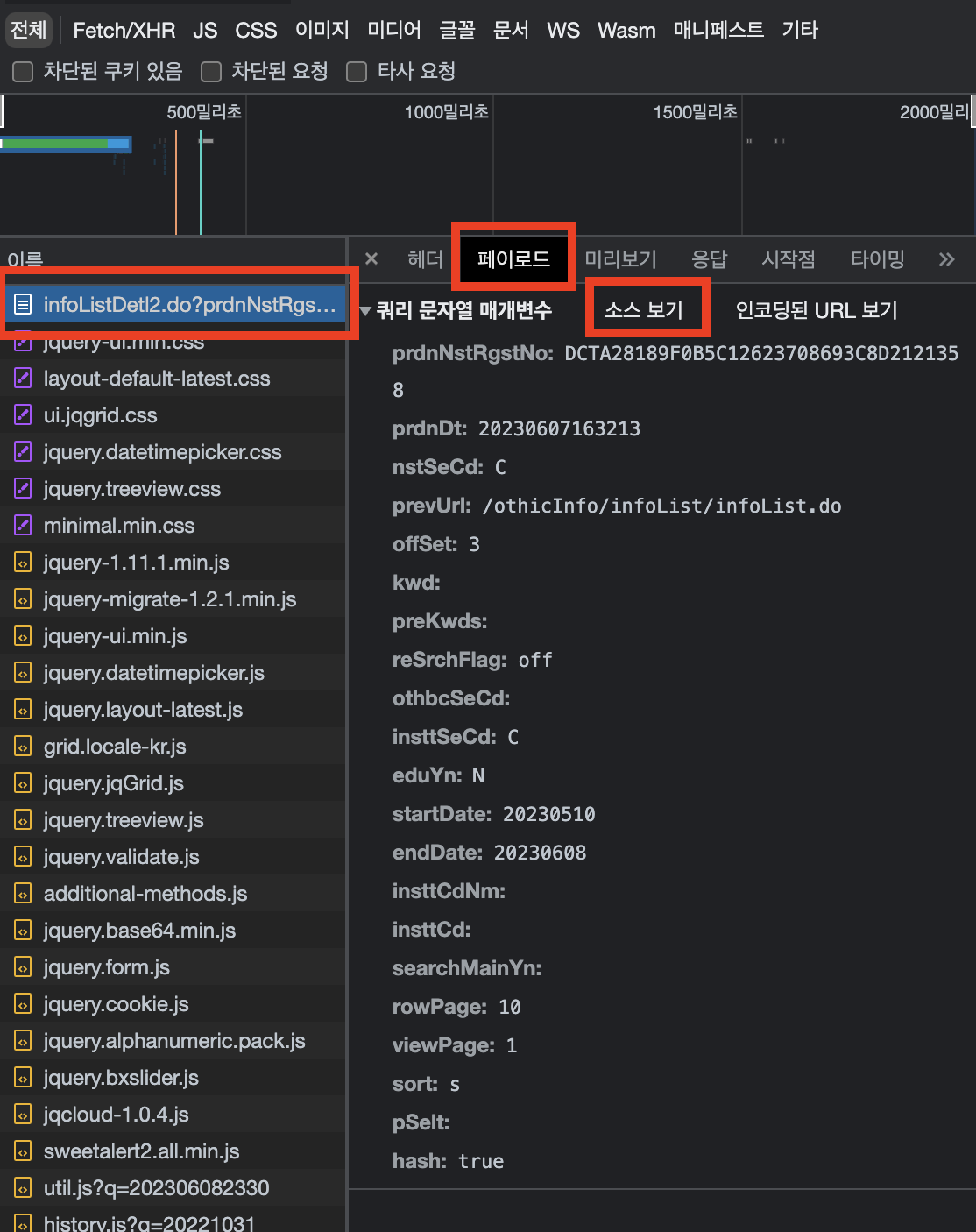
Regardless, I confirmed that when the page changes, the payload values sent in the POST message change as well.
So maybe the values are stored in localStorage or a cookie? I checked, but could not figure it out.
What now... Then I had a brute-force idea: what if I just append those query parameters directly to the URL? Would the server accept them via GET instead of POST?
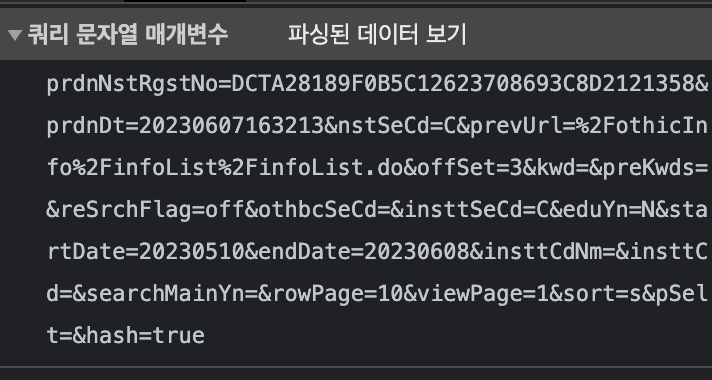
I clicked "View source" on the payload, then appended ? to the existing https://www.open.go.kr/othicInfo/infoList/infoListDetl2.do URL and typed in the query parameters.
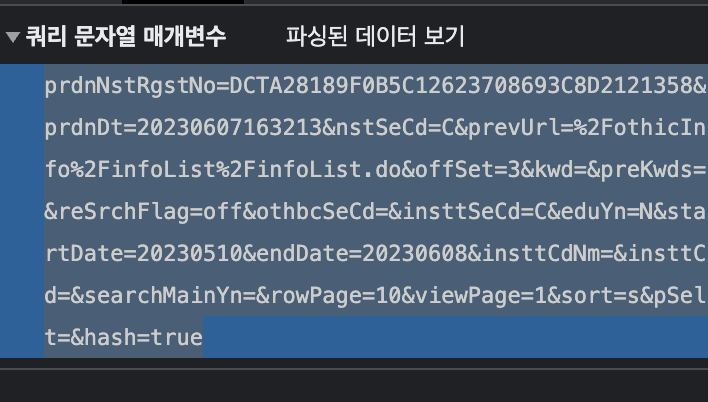
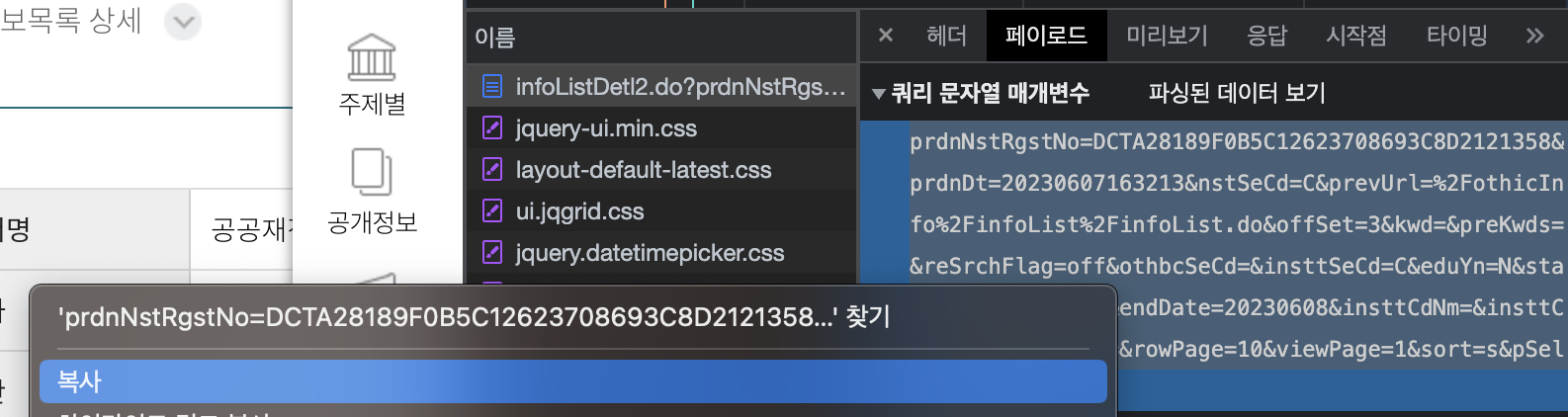
(Dragging to copy the values)

The final result: pasting https://www.open.go.kr/othicInfo/infoList/infoListDetl2.do?prdnNstRgstNo=DCTA28189F0B5C12623708693C8D2121358&prdnDt=20230607163213&nstSeCd=C&prevUrl=%2FothicInfo%2FinfoList%2FinfoList.do&offSet=3&kwd=&preKwds=&reSrchFlag=off&othbcSeCd=&insttSeCd=C&eduYn=N&startDate=20230510&endDate=20230608&insttCdNm=&insttCd=&searchMainYn=&rowPage=10&viewPage=1&sort=s&pSelt=&hash=true into the address bar loads the specific page just fine!
Ta-da! The specific page loads correctly.
I hope this URL approach helps more public information reach citizens going forward :)
What''s Next
Manually opening the developer tools every time you want to share a link works, but if this page is never fixed, there needs to be an easier way. I thought it would be much more convenient to package this whole process into a single click — in other words, build it as a Chrome extension. That''s my next goal: turning the steps above into a Chrome extension!